


Your iPhone is your Satispay card
An easy, secure and private way to pay. Apple Pay lets you make purchases with your Satispay card using your favourite Apple device. Pay in stores, online and in apps, just as you would with your physical card.
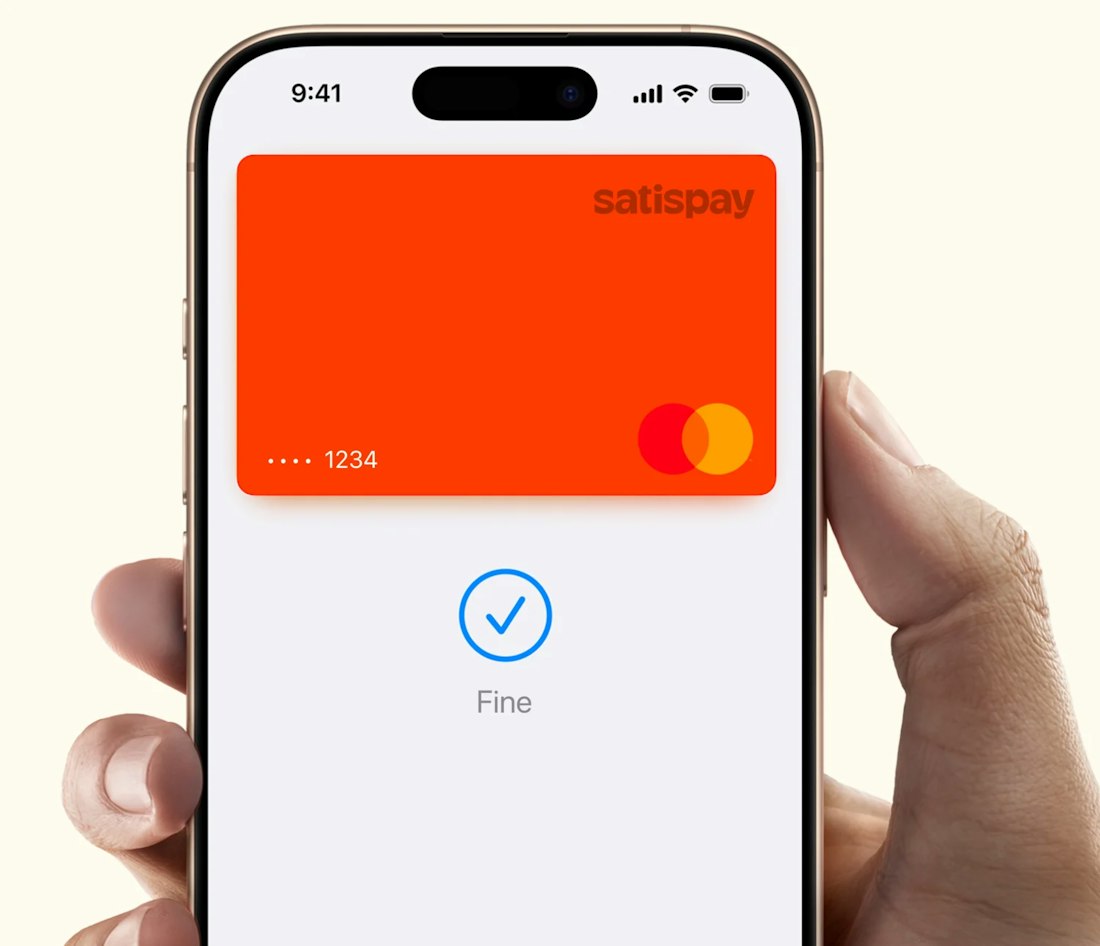
Apple Pay. Have it on one, have it on all.
Apple Pay lets you make purchases with your Satispay card from any Apple device, in stores, online and in apps. Apple Pay is built into iPhone, Apple Watch, Mac and iPad. When you add your Satispay card to Apple Wallet on iPhone, you can add it to your other Apple devices in one simple step.
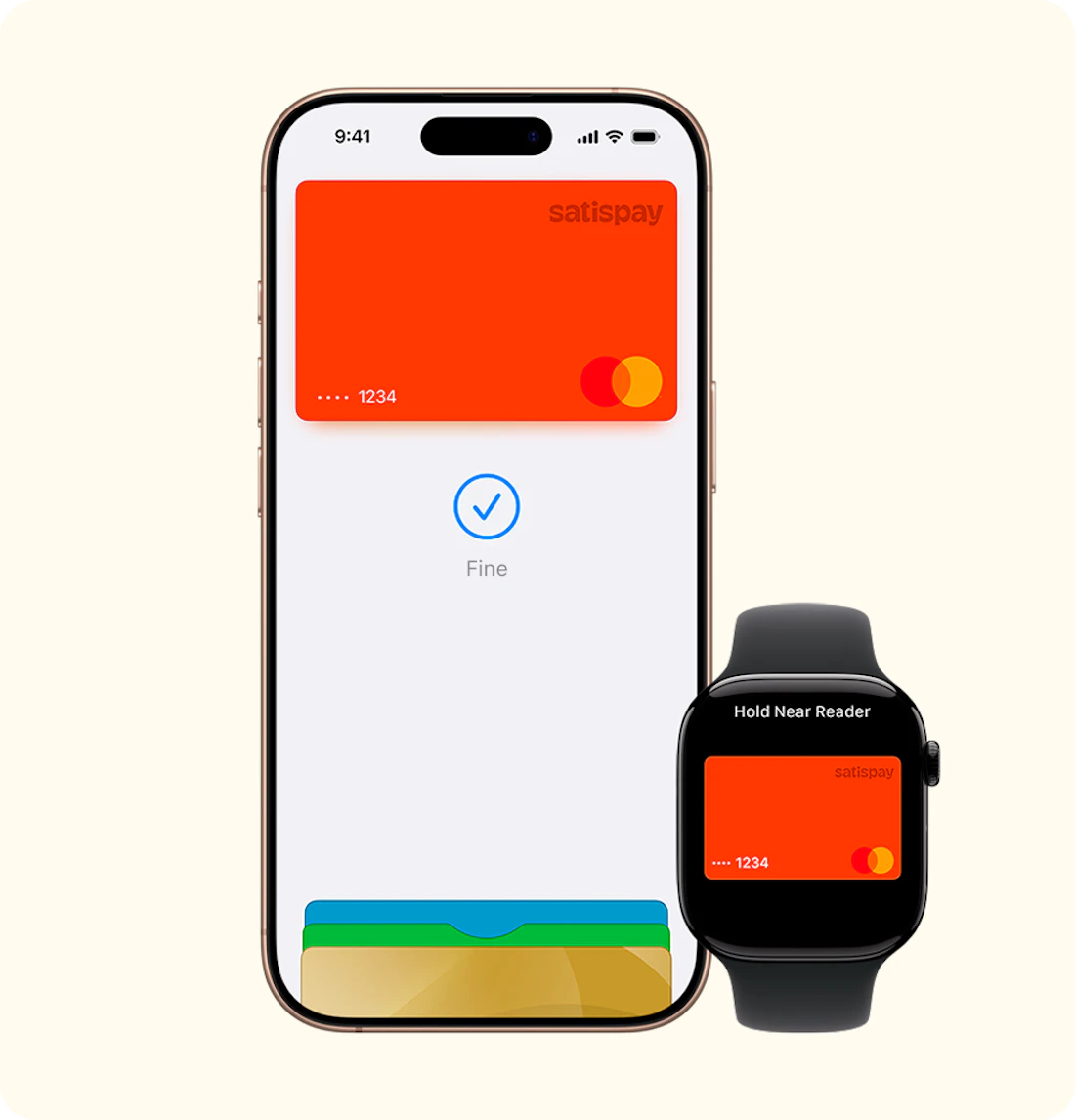
Shop in stores, online or in apps.
Apple Pay is accepted by millions of merchants around the world.
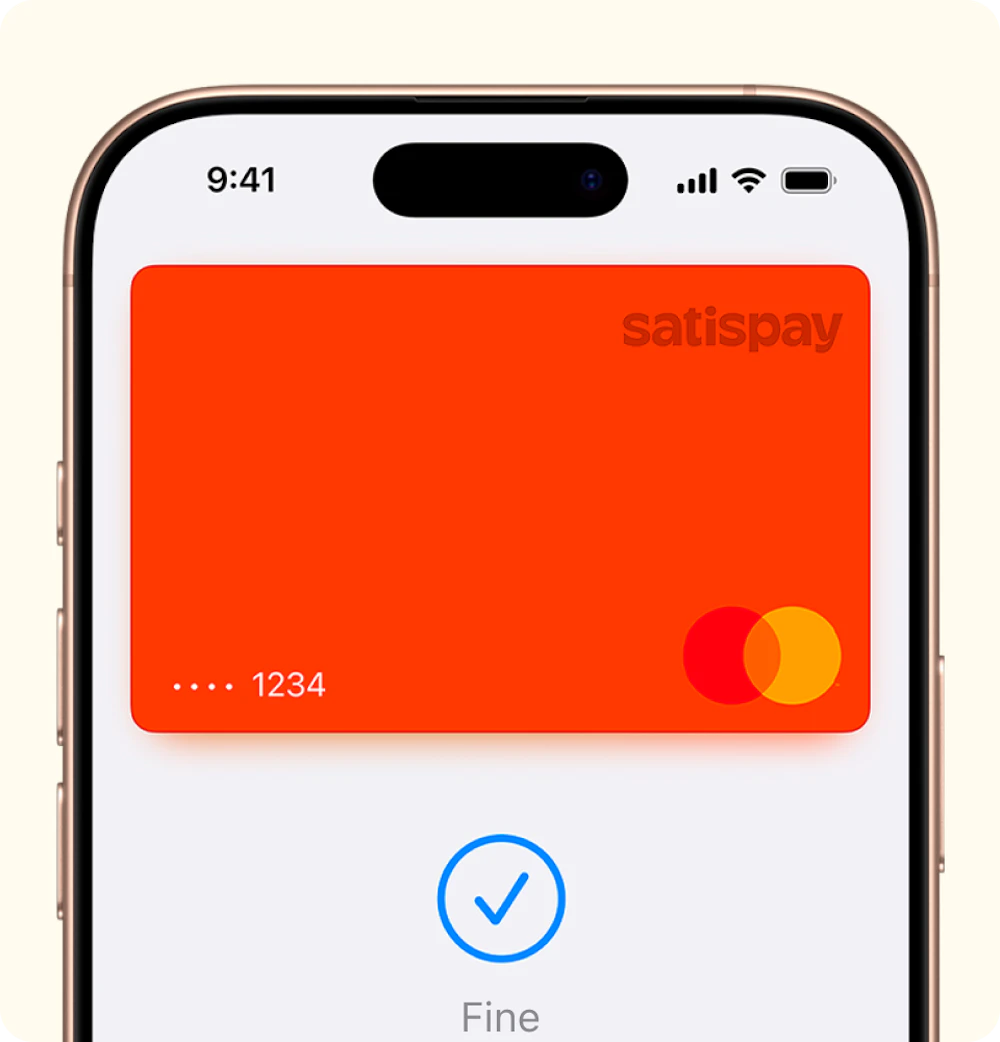
In store
Just look for the Pay logo or the contactless payment symbol at checkout and use your Satispay card.
Designed to be secure. So only you can pay.
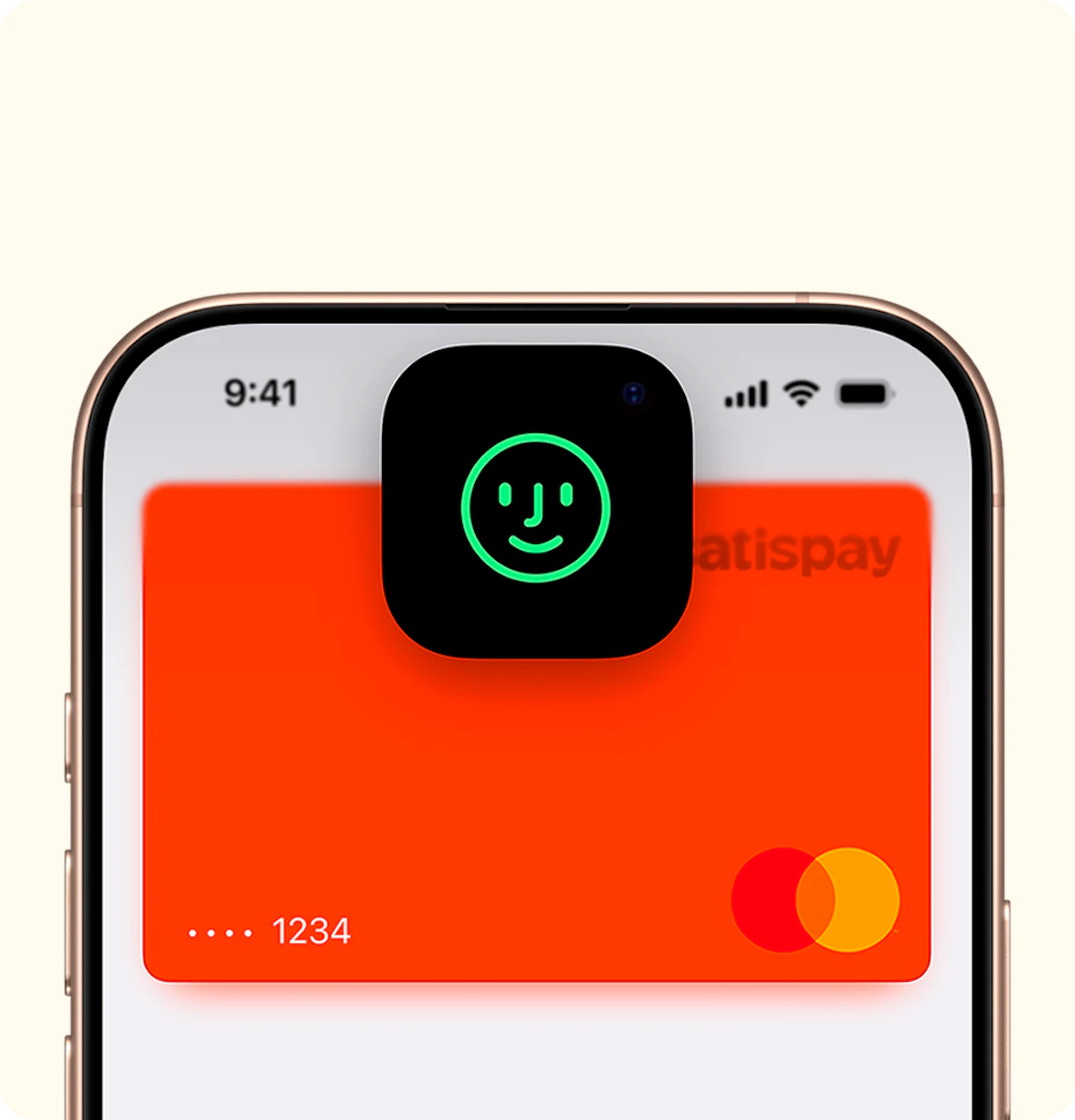
Apple Pay transactions require authentication through your device’s built-in security features, including Face ID, Touch ID and your passcode. Your Satispay card number is never shared with merchants or stored on Apple servers. And if you lose your iPhone, you can use Find My to mark it as lost right away and lock your Satispay card.
Add your Satispay card in a few steps.
Go to your card in the app
Open the Satispay app, go to the Cards section and select your card.
Open Apple Wallet
Tap the Add (+) button, then tap Debit or Credit Card. Follow the on-screen instructions to add a new card.
Tap. Pay. Done.
In stores, just hold your device near the card reader. Online, you buy without entering details or a CVC. You authorise both in an instant with Face ID or Touch ID.
Don’t have a Satispay card yet?
Download the Satispay app and request your card in a few minutes, with no activation fees.